Guides
GTA 6 Best Settings for PS5 and Xbox: What to Change First
GTA 6 best settings PS5 and Xbox: it runs at 30 FPS with no performance mode, so change subtitles, motion blur and the compass first, plus TV tips.
By JansherPublished Updated Reported3 min read
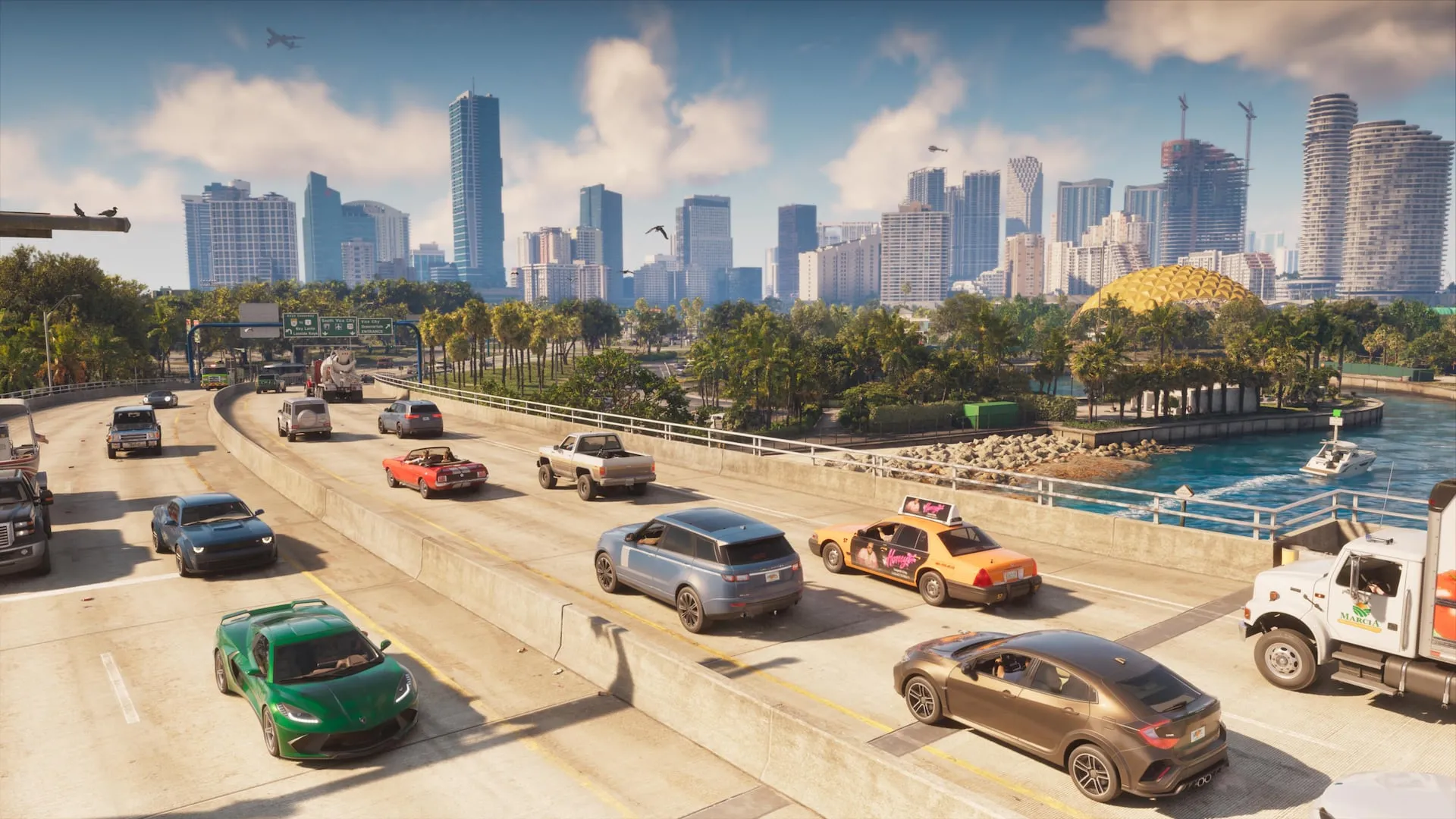
There is no performance mode in GTA 6: it targets 30 FPS on PS5, PS5 Pro and Xbox Series X|S, so the best settings are the small ones. Change subtitles, Motion Blur Strength, the compass and your TV’s game mode, then leave the rest. Menu details below come from one site’s PS5 play on November 18 (Vice Manual), so treat defaults as reported; labels may differ on Xbox.
Frame rate: what you can and can’t change
- 30 FPS, no toggle. Digital Foundry found PS5 and PS5 Pro render at about 1440p and target 30 FPS. Rockstar has said the Pro’s CPU can’t carry a higher-rate mode.
- PS5 Pro is steadiest. Digital Foundry reports a near-flawless 30 on Pro (PSSR upscaling, close to 4K). Base PS5 holds 30 mostly but dips in heavy explosion scenes, with a worst case near 23 FPS.
- No 40 or 60 FPS mode has been reported. Any “performance mode” tip you read is from before launch.
Change these first (reported defaults)
| Setting | Where | Default | Try |
|---|---|---|---|
| Motion Blur Strength | Display | 3 | 1 or 2 for a sharper image; some blur smooths 30 FPS camera turns |
| Subtitles | UI | Mission Only | Other steps if you want all dialogue |
| Subtitle Size / Background | UI | Small / Off | One size up, background On (bright skies wash out white text) |
| Speaker Names | UI | Off | On, to tell Jason from Lucia |
| Compass | UI | Off | On if you navigate by direction |
| Brightness Reduction | Display | Off | On if flashes bother you |
Open it with Options, then Settings at the bottom; L1 and R1 flip tabs.
TV and console
- Game Mode: switch it on and turn off motion smoothing; it cuts input lag at 30 FPS.
- HDR: calibrate on the console, not in the game (PS5: Settings, Screen and Video, Video Output, Adjust HDR; Xbox: Calibrate HDR for Games). Guides disagree on an in-game HDR menu, so check yours.
- VRR and 120 Hz output: harmless to leave on, but with a 30 FPS game they will not make it smoother. Rockstar has not documented VRR behaviour.
- Install: the game is up to 212 GB; see the storage checker and file size.
Aim and controls
Guides list an Aim Assist Strength slider and targeting modes (lock-on, partial, free aim) but disagree on exact values, so we don’t give numbers. At 30 FPS, aiming feels heavier: start with assist on, lower the camera sensitivity a notch, and adjust after an hour.
FAQ
Does GTA 6 have a performance mode?
No. Reviewers and Digital Foundry report 30 FPS on every console, with no 40 or 60 FPS option.
What is the best GTA 6 setting to change first?
Motion Blur Strength (default 3), then subtitle size and background. They are the changes players notice most.
Which console runs GTA 6 best?
PS5 Pro, according to Digital Foundry. Series S renders at a lower resolution (reported 720p).
Should I turn on VRR for GTA 6?
It can stay on. It will not turn 30 FPS into a smoother rate.