Guides
GTA 6 Crashing or Not Saving? Launch Problems and Fixes
Players report GTA 6 crashes, lost progress and PSN sign-in trouble. What is confirmed, what is reported, and the steps worth trying. Checked Nov 20.
By JansherPublished Reported3 min read
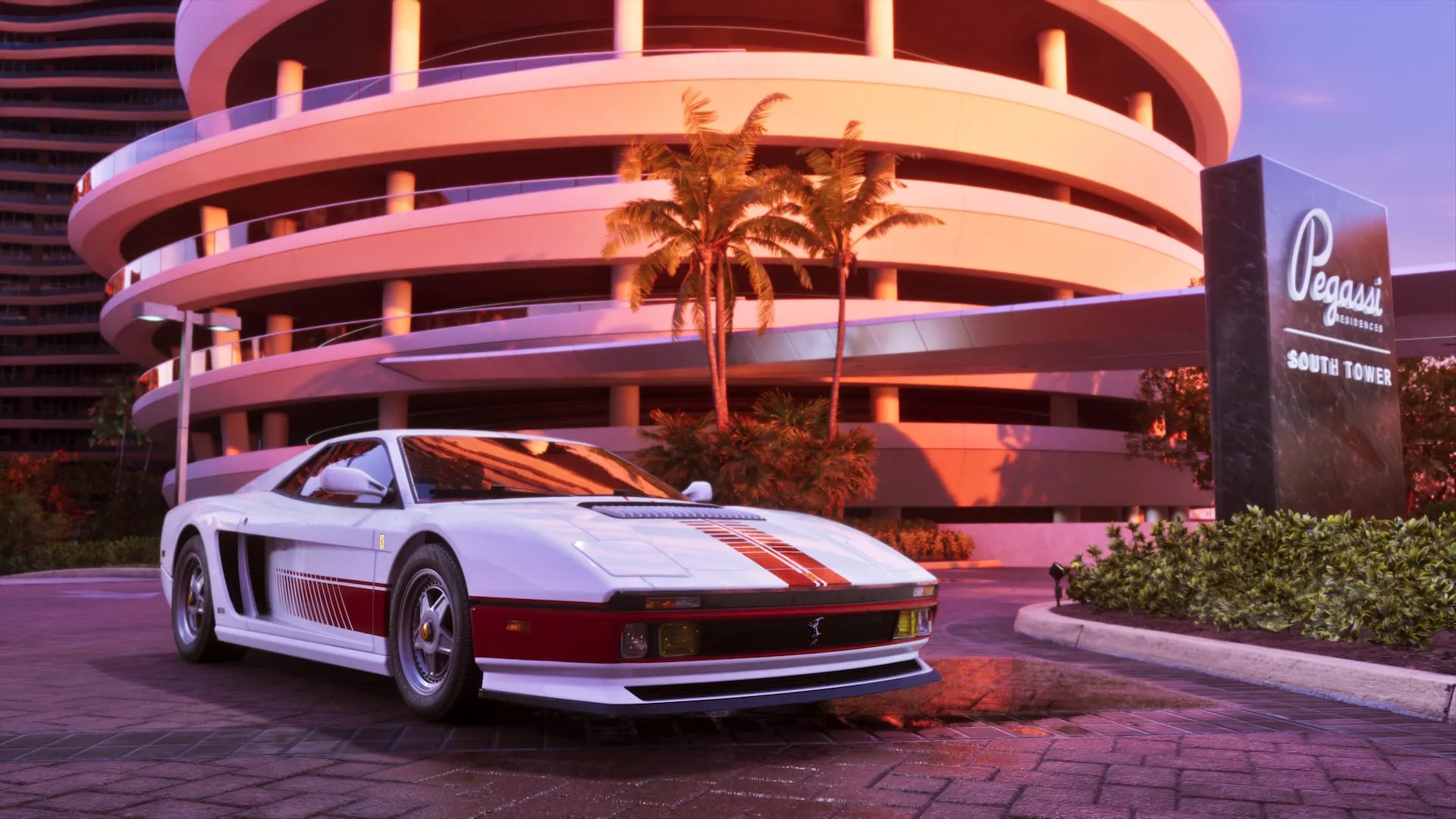
GTA 6 launched on November 19 with player reports of crashes in the prologue, lost progress and PSN sign-in trouble. As of November 20, 2026 Rockstar has not published a fix or patch notes. None of the fixes below is confirmed by Rockstar; they are the safe steps that cost you nothing. Last checked: November 20, 2026.
What is confirmed and what is reported
| Item | Status |
|---|---|
| PS5 needs system software 14.23.00 to play | Reported (Comloc) |
| Two game updates shipped before launch: v01.002.000 (Nov 13) and v01.002.001 (Nov 16) | Reported (Comloc); no patch notes from Rockstar |
| PSN had a sign-in outage on Nov 18, with “Sony services are busy” messages | Reported (Timesaver, quoting Polygon) |
| Crashes in the prologue, a PS5 powering off after launch, audio static, missing textures | Reported by players, not confirmed by Rockstar |
| Lost progress after a crash | Reported by players, not confirmed by Rockstar |
| GTA 6 needs a Rockstar server to run | No. It is single-player; sign-in is PSN or Xbox, not a GTA 6 game server |
Critics played pre-launch builds and found the game stable enough to give it a Metacritic 99. Problems that show up on millions of consoles on day one are a different test.
© Rockstar Games — rockstargames.com/VI
If GTA 6 will not start or sign you in
- Check the platform first. A PSN or Xbox Live outage can lock you out of a single-player game. Look at the PlayStation or Xbox status page before you reinstall anything.
- Install the PS5 system update. Reports say PS5 needs system software 14.23.00. Update, then restart.
- Check your free space. Rockstar says the game needs up to 212 GB of available space. See how much space GTA 6 needs.
- Do a full power cycle. Turn the console off (not Rest Mode), unplug it for a minute, start it again.
- Retry later before you delete the install. A busy PSN is not a broken download.
If it crashes
- Install the latest game update. Pre-loaded copies were reported to receive v01.002.001.
- Restart the console fully, then relaunch. Do not keep a crashing session going in Rest Mode.
- Save by hand before big moments. The prologue and some mission checkpoints are reported not to autosave, so a crash there costs hours. Use more than one save slot.
- Note what you were doing. The mission, the console, the exact error text. It is what Rockstar Support asks for.
If your progress looks lost
Autosaves are reported not to appear in the Save Game menu. Check the separate Load Game screen before you assume the save is gone. On Xbox, saves sync to the cloud when you are online. Do not delete the game or the save data before you have checked both places.
Where to report a bug
Send the details to Rockstar Support. For a console error code, the PlayStation or Xbox support page for that code is the first stop.
We update this page when Rockstar posts patch notes. Other launch-week guides: first hours in GTA 6, how long to beat GTA 6, how to make money early.
FAQ
Is GTA 6 down?
GTA 6 is single-player, so there is no GTA 6 game server to go down. What fails is PSN or Xbox sign-in, which is why the console status page is the one to check.
Why does GTA 6 keep crashing on PS5 or Xbox?
Rockstar has not said. Players report crashes in the prologue; the cause is unconfirmed. Update the game and system software, restart fully and save by hand.
I lost hours of progress in GTA 6. Can I get them back?
Check the Load Game screen for an autosave first; autosaves are reported not to show in Save Game. If nothing is there, contact Rockstar Support with the details.
Has Rockstar released a GTA 6 patch?
Two updates shipped before launch (v01.002.000 and v01.002.001). As of November 20, 2026 Rockstar has published no patch notes and no fix for the launch problems.